
Best Time to Post on Instagram in 2026 (Data-Backed by 9M+ Posts)
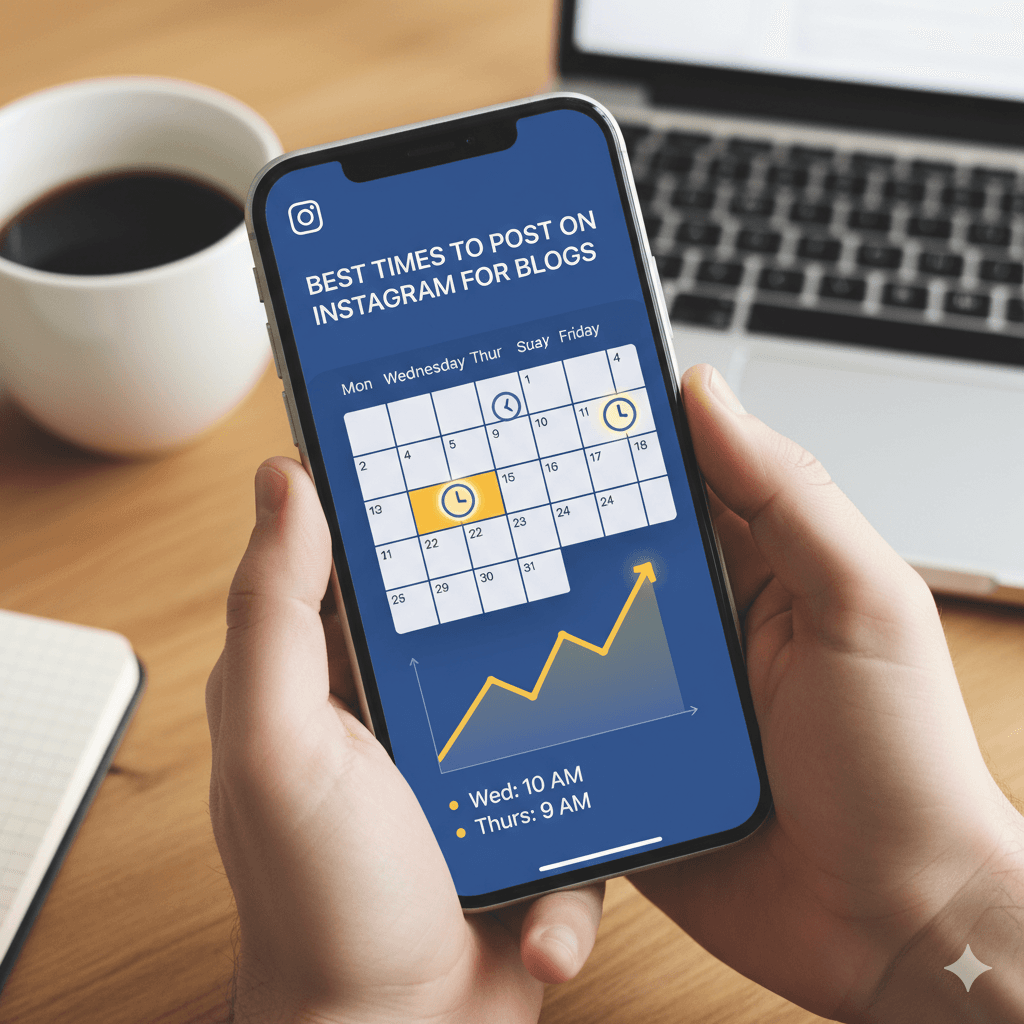
The best time to post on Instagram in 2026 is Wednesday between 11 AM and 1 PM in your audience's local timezone. However, the real answer depends on your niche, audience location, content type, and whether you're posting Reels, carousels, or static images. This guide breaks down data from multiple large-scale studies and shows you how to find your own optimal posting times.
Best Times by Day of the Week
Wednesday consistently ranks as the top-performing day across eight out of nine major research studies, with late morning to early afternoon showing the highest engagement rates globally.
Day | Best Time to Post | Engagement Level |
|---|---|---|
Monday | 11 AM – 1 PM | Good |
Tuesday | 10 AM – 12 PM | Good |
Wednesday | 11 AM – 1 PM | Best Overall |
Thursday | 10 AM – 1 PM | Very Good |
Friday | 11 AM – 12 PM | Good |
Saturday | 9 AM – 11 AM | Moderate |
Sunday | 10 AM – 12 PM | Moderate |
All times are in the audience's local timezone. If your audience spans multiple timezones, target the timezone where the majority of your followers are located.
What the Major Studies Say
Multiple platforms have published research on Instagram posting times in 2026. Here's what each found.
Buffer — 9.6 Million Posts Analyzed
Buffer's study — the largest publicly available dataset — found that evening hours between 6 PM and 11 PM on weekdays, particularly Wednesday and Thursday, are optimal for Instagram Reels. For feed posts, late morning (10 AM – 12 PM) still performs best. This study highlighted a key shift: Reels engagement peaks later in the day than feed posts.
Hootsuite
Hootsuite's research points to Tuesday through Thursday between 9 AM and 12 PM as the consistent sweet spot. Their data shows a notable engagement drop on weekends and a recovery on Monday mornings.
Later
Later's research identifies Wednesday between 11 AM and 1 PM as the peak engagement window, with a secondary peak at 7 PM for Reels content. They also noted that carousel posts perform best when published earlier in the morning (8–9 AM) compared to static images.
Sprout Social
Sprout Social's data shows Tuesday, Wednesday, and Thursday as the three strongest days, with 10 AM consistently appearing as the top-performing hour across all content types.
The Consensus
Wednesday is the undisputed winner. The safest bet across all studies and all timezone is Wednesday between 11 AM and 1 PM. For Reels specifically, weekday evenings between 6 PM and 8 PM are emerging as a strong secondary window.
Best Time to Post Instagram Reels
Instagram Reels follow a different engagement pattern than feed posts because of how the algorithm distributes them. Reels are shown primarily through the Explore page and Reels tab — not just to followers — so they have a wider discovery window.
Day | Best Time for Reels |
|---|---|
Monday – Thursday | 6 PM – 9 PM |
Wednesday | 11 AM – 1 PM & 7 PM – 9 PM |
Friday | 5 PM – 8 PM |
Saturday – Sunday | 10 AM – 12 PM |
Users browse the Reels tab during downtime — commuting home, after dinner, before bed. This passive browsing behavior means Reels get discovered later in the day compared to feed posts, which users see during active morning scrolling.
Key Reels Timing Insight
The first 30–60 minutes after posting a Reel are critical. Instagram tests your Reel with a small audience segment first. If engagement (watch-through rate, likes, shares, saves) is strong in that initial window, the algorithm pushes it to a much larger audience. Post when your core audience is actively online.
Best Time to Post Instagram Carousels
Carousel posts are Instagram's highest-performing feed format in 2026. They generate more saves and shares than static images because viewers spend more time swiping through slides.
Day | Best Time for Carousels |
|---|---|
Tuesday – Thursday | 8 AM – 11 AM |
Wednesday | 9 AM – 11 AM |
Saturday | 10 AM – 12 PM |
Carousels perform best in the morning because users engage with them during intentional browsing sessions — scrolling through their feed with coffee, during a morning commute, or at the start of the workday. The swipe-through format requires more active engagement than Reels, which favors times when users are alert and focused.
Best Times by Industry
Different industries see peak engagement at different times because their audiences have different daily routines.
B2B / Professional
Tue–Thu · 8–10 AM & 12–1 PM
Decision-makers check social at the start of the workday and during lunch breaks.
Avoid: evenings and weekends
E-Commerce / Retail
Wed & Fri · 11 AM–1 PM & 7–9 PM
Lunch-break browsing for discovery, evening browsing for purchase intent.
Avoid: early mornings (6–8 AM)
Food & Restaurant
Fri · 11 AM–1 PM & 5–7 PM
Aligned with lunch decisions and dinner planning cycles.
Avoid: late night, Monday mornings
Fitness & Wellness
Mon & Wed · 6–8 AM & 5–7 PM
Pre-workout motivation and post-work gym browsing windows.
Avoid: mid-afternoon
Education & Coaching
Tue & Thu · 9–11 AM
Learning-focused morning mindset aligns with this content type.
Avoid: weekends
Travel & Lifestyle
Thu & Fri · 11 AM–1 PM
Weekend trip planning starts mid-week — meet them there.
Avoid: Monday mornings
Does Posting Time Actually Affect Engagement?
Posting at the right time can increase engagement by 20–30% compared to posting at random times, based on aggregated data from Buffer, Hootsuite, Sprout Social, and Later studies. However, posting time is only one factor in the algorithm — and not even the most important one.
Here's how posting time ranks among Instagram's algorithm factors in 2026:
Content quality and relevance — Most important factor, full stop.
Watch-through rate (for Reels) — Critical for distribution.
Engagement velocity — How quickly you get likes, comments, saves in the first 30 minutes.
Posting time — Directly affects engagement velocity.
Relationship signals — How often the viewer interacts with your account.
Content type preference — Whether the viewer prefers Reels, carousels, or images.
The Bottom Line
Posting at the "perfect" time with mediocre content will always lose to great content posted at an imperfect time. Time is a multiplier, not a replacement for quality.
How to Find Your Own Best Posting Time
General benchmarks are a starting point — your audience data is the real answer. Here are four methods to find your optimal window.
Method 1 — Instagram Insights (Free)
If you have a Business or Creator account, Instagram provides audience activity data. Go to Professional Dashboard → Insights → Total Followers → Most Active Times. Post 30–60 minutes before the peak activity window to catch the wave as it rises.
Method 2 — Manual A/B Testing
Pick 6 different time slots across 2 weeks.
Post similar content quality at each slot.
Track engagement rate — include saves, shares, and comments, not just likes.
Narrow to your top 3 performing time slots.
Continue testing within those 3 slots for another 2 weeks.
Your best time is the slot with consistently highest engagement rate.
Method 3 — Engagement Rate Analysis
Calculate your engagement rate for posts published at different times and track which windows consistently produce the highest rates. Use an engagement rate calculator to make this systematic rather than eyeballing it.
Method 4 — Third-Party Tools
Scheduling tools like Buffer, Hootsuite, and Later all offer AI-powered best-time recommendations based on your specific account's historical performance data — far more reliable than industry-wide averages.
Common Instagram Posting Time Mistakes
Posting at the Same Time Every Day
Always posting at 11 AM only reaches the audience segment active at 11 AM. The initial engagement window heavily influences total reach. Vary your posting times to reach different segments of your audience.
Ignoring Timezone Splits
If 40% of your audience is in EST and 30% is in PST, posting at 11 AM EST means it's 8 AM PST — you're missing a significant chunk at their peak. For split audiences, consider posting twice at different times or choosing the timezone with the highest follower concentration.
Over-Optimizing Time While Ignoring Content
Spending hours finding the "perfect" posting time for a mediocre carousel is a poor investment. Get your content right first, then optimize timing.
Using Outdated Data
Posting time research from 2023 may not apply in 2026. Audience behavior shifts with platform changes, new features, cultural trends, and seasonal patterns. Refresh your posting time analysis every 3–6 months.
Not Accounting for Content Type
Reels, carousels, static images, and Stories all have different optimal posting windows because they're consumed differently. A single "best time" doesn't work across all formats. Test separately for each content type you regularly publish.
Best Times to Post by Timezone
Wednesday 11 AM – 1 PM local time is the safest general window globally. Here's how that maps across major timezones.
Timezone | Feed Posts | Reels | Stories |
|---|---|---|---|
US Eastern (EST/EDT) | Wed 11 AM – 1 PM | Tue–Thu 6–8 PM | Daily 8–9 AM & 7–9 PM |
US Pacific (PST/PDT) | Wed 8–10 AM | Tue–Thu 3–5 PM | Daily 5–6 AM & 4–6 PM |
UK / GMT | Wed 12–2 PM | Tue–Thu 7–9 PM | Daily 8–9 AM & 8–10 PM |
India / IST | Wed 10 AM – 12 PM | Tue–Thu 7–10 PM | Daily 9–10 AM & 8–10 PM |
Australia / AEST | Wed 12–2 PM | Tue–Thu 6–8 PM | Daily 7–8 AM & 7–9 PM |
Key Takeaways
Wednesday 11 AM – 1 PM is the safest general posting time in 2026, agreed upon by Buffer, Hootsuite, Later, and Sprout Social.
Reels perform better in the evening — aim for 6 PM – 9 PM on weekdays when passive browsing peaks.
Carousels perform better in the morning — 8 AM – 11 AM when users are alert and intentionally scrolling.
Your specific audience may differ — use Instagram Insights to find your own optimal times rather than relying solely on industry averages.
Posting time affects engagement velocity, which signals the algorithm to distribute your content more widely.
But content quality always matters more than timing. Time is a multiplier — not a substitute for great content.
Find your ideal posting window with SocialPreviewHub's free Best Time to Post tool, and measure results with the Engagement Rate Calculator. For a complete framework on pairing optimal posting times with a consistent content calendar, see our Social Media Content Strategy for 2026 guide.